Metadata patterns not accounted for by music apps
I hesitated a lot when first getting into anime idol music. I was definitely a little self-conscious that the album art can get fairly suggestive.

But more importantly I feared its complexity would render my music cluttered and unnavigable. I mostly engaged with my music navigationally as opposed to searching. I liked to select a genre, an artist within that genre, and then pick out an album within that genre to listen to. Instead of staring at an empty search field, wanting music for focusing, I could pick Soundtrack, evaluating that Joe Hisaishi (i.e. Ghibli Soundtracks) was chiller than John Williams (Star Wars), then Spirited Away, deciding Princess Mononoke was too gloomy and I needed a little more whimsy.
Idol music would seriously upset this balance. Many tracks were only available as singles, and — GASP — would need to learn to organize my music into playlists. But as listening to nightcore music on YouTube transitioned into watching Love Live! Sunshine’s Aqours’ lyrics videos, eventually I decided that the sanctity of my navigable music library would need to be broken, and started adding μ’s and Aqours music to my music library.
When I got tired of manually importing metadata I discovered beets, a command line tool that automatically tags music with MusicBrainz metadata. This kept my music organized, but once I was listening to a huge number of artists and franchises1, navigability in my music player started to break down, none the less.
None of these matter when listening to an algorithm generated playlist on Spotify or YouTube Music. But regardless, I still have a strong desire to navigate — I think it helps me feel more intentional about my music listening.
Classical music once had a lot of similar problems, e.g. the same piece but separate recordings different orchestras/conductors. Eventually, Apple implemented better navigability through specialized services like Apple Music Classical.
These are the metadata patterns I want custom support for when Claude is able to build me a custom music app.
Character vs Voice actor
Each character is portrayed by a voice actor. Voice actors often also publish music as themselves, and sometimes the same voice actor portrays multiple characters2. If I want to listen to music by a particular singer because I like their voice, I’d love to be able to jump to all of the music by the voice actor. YouTube Music/Spotify usually doesn’t even show the voice actor (it depends on the franchise).
Deep hierarchies
Because idol anime franchises are primarily a vehicle for selling merchandise for a huge number of characters, they end up with tons of characters sorted into different units (groups of characters that perform together). Idolm@ster is a particularly illustrative franchise3: it contains at least 8 sub-franchises, of which Idolm@ster Shiny Colors contains 8 units, of which Noctchill contains 4 members.
Overlapping hierarchies
Groups aren’t even static a lot of the time. In Idolm@ster Million Live, pretty much every new single features a never-seen-before unit. Fortunately, when credited as artist these units usually include list of their members, which makes it possible to find songs containing a particular character through search.
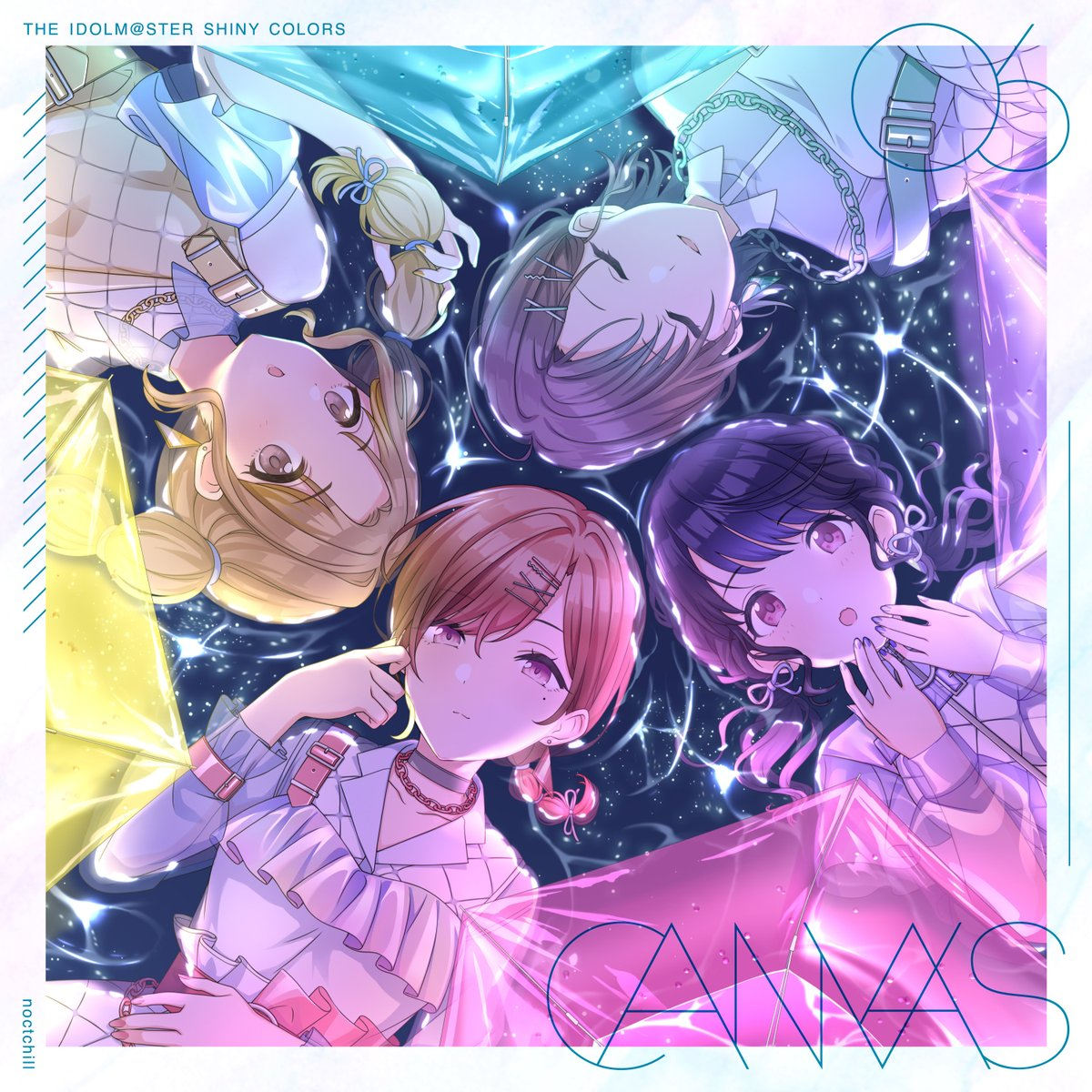
So fans are confident their favorite character will get a new song eventually, albums/singles are often sorted into series4. I often wish I could navigate between albums in the series while listening to music.
Tracks you typically don’t want to listen to
Albums often bundle tracks that don’t make to listen to typically. Most albums include karaoke tracks without vocals, plus there’s often also drama tracks with character story. These are sometimes interesting to listen to, but I don’t typically want my music listening to be interrupted by a podcast.
Beyond that there’s often variants of the same song: solo versions, short versions (i.e. ~1:30 versions used in rhythm games), and live recordings. MusicBrainz’s data model actually works fairly well for variants, linking recordings to a single song, but I haven’t found a music app that allows navigating these relationships.
Music apps aren’t able to filter these out for general listening, but still expose them when desired.
-
nayuta, Idolm@ster, Love Live!, Project SEKAI (especially More More Jump! and Nightcord at 25:00) are my favorites. I’ve even gone to a couple of live shows in Japan. ↩
-
Ruby Kurosawa and Airi Momoi’s voice actor are both Ai Furihata. ↩
-
https://project-imas.wiki is organizes all this complexity neatly. ↩
-
For example there are 7 albums in THE IDOLM@STER SHINY COLORS “CANVAS” series (just numbered 01 through 07). ↩