You can use regexes to filter out noisy console logs
When building browser extensions/ad-hoc scripts that run in the browser I often run into a lot of noisy warnings/logs emitted by the website my script runs on. Here’s just a sampling of what I encountered while writing a Tampermonkey script to bulk download statements from Fidelity:
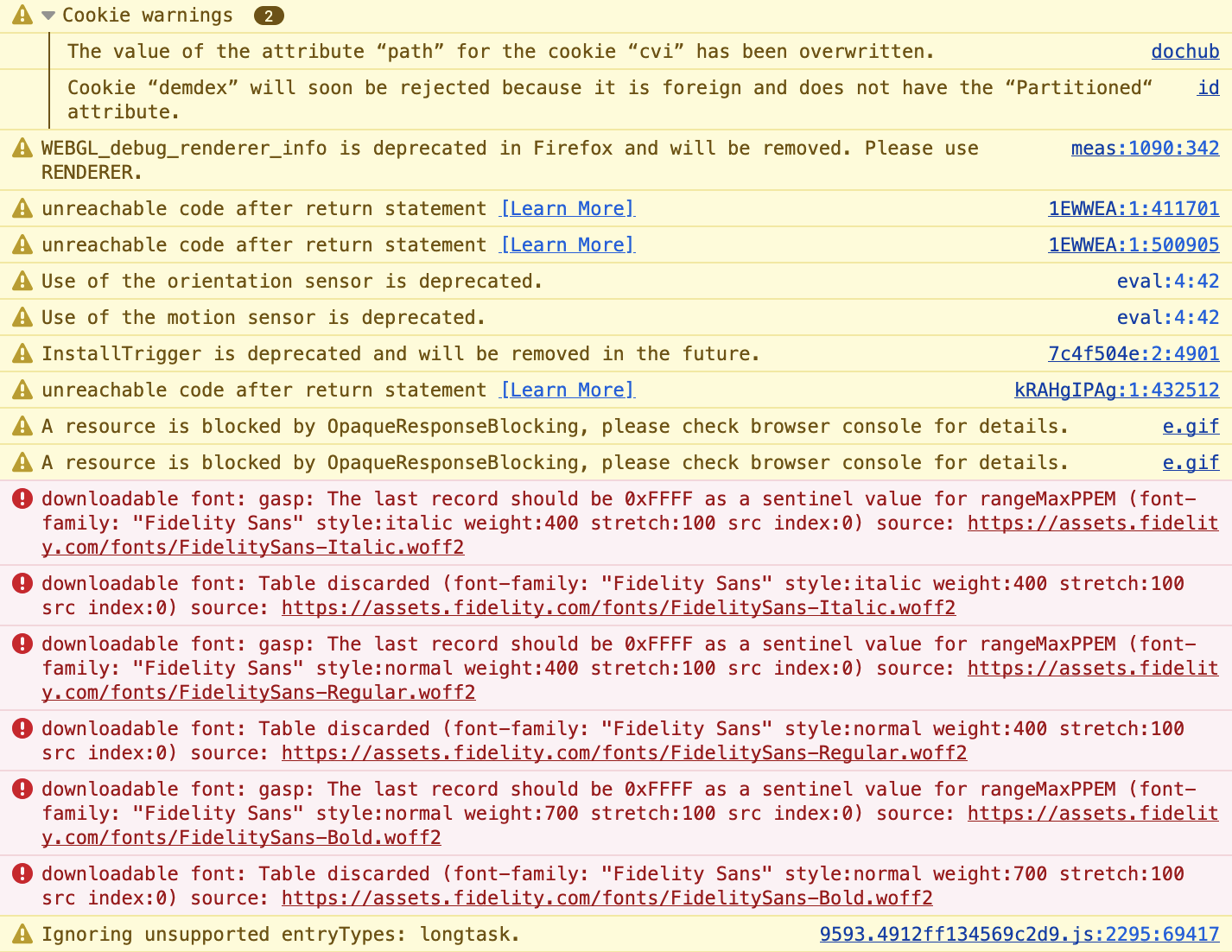
An easy solution is to filter for a string that you include in your own log messages. This works pretty well, but sometimes your JavaScript emits an error, which is typically not prefixed. Here’s an example from the same bulk Fidelity statement downloader. The last line’s error message isn’t prefixed with FidelityDL, but was produced by my script:
[FidelityDL] Page ready, adding control panel Fidelity-Statement-Bulk-Downloader.user.js:872:17
[FidelityDL] Restored 0 downloaded files from storage Fidelity-Statement-Bulk-Downloader.user.js:120:13
[FidelityDL] Downloading 12 documents directly... Fidelity-Statement-Bulk-Downloader.user.js:372:13
[FidelityDL] Downloading 1/12: 11302025 Fidelity-Statement-Bulk-Downloader.user.js:372:13
Uncaught (in promise) TypeError: endDate.split is not a function
To avoid missing these or requiring the hassle of removing the filter to check for errors, you can use Firefox’s support for negative searches by prefixing the search with -. When using a simple text filter you can only use this to exclude one thing, but if you use a regex you can filter out as many patterns as you want. Here’s what I ended up with while debugging my afore mentioned bulk Fidelity downloading script:
-/(Storage access automatically granted for origin “resource://pdf.js” on “resource://pdf.js”. |provided to “https://digital.fidelity.com|storage access was provided to “https://dpm.demdex.net|Datadog Browser SDK|servicemessages.fidelity.com|Script "ensighten"|downloadable font|Source map error|WEBGL_debug_renderer_info|LaunchDarkly|OpaqueResponseBlocking|Property "(pvdReadonlyShowCheckbox|pvdChecked|pvdCheckboxReadonlyLabel|pvdCheckboxLabel|pvdLinkageName)")/
The basic pattern is -/(some string to ignore|some other string to ignore|...)/. I just copy/paste a section of a message that is annoying me until I’m filtering out everything that I find too noisy.
Because my filter ended up pretty long, I’m keeping a copy in my script so that it’s easy for me to paste it into the console if I need to make changes / debug something in the future without needing recreate it from scratch.